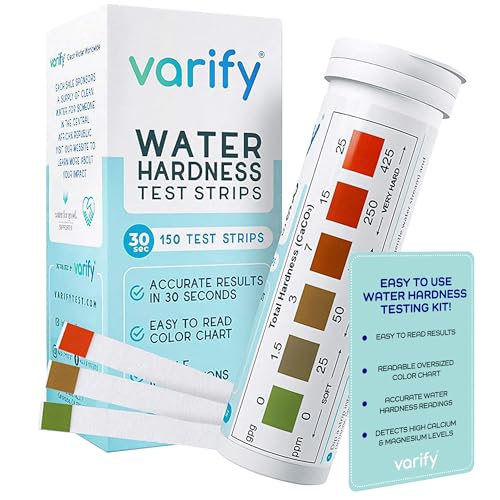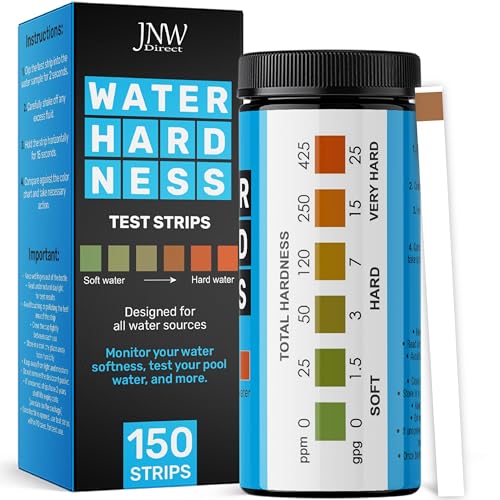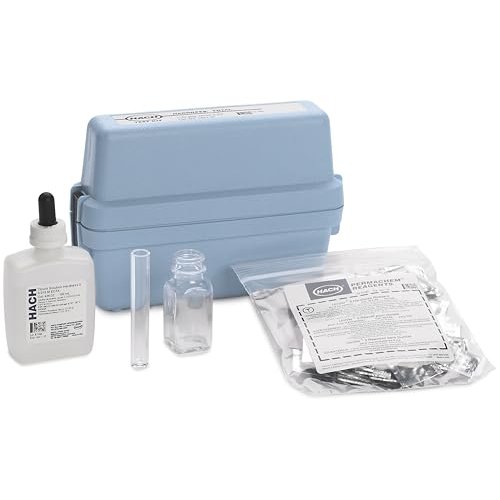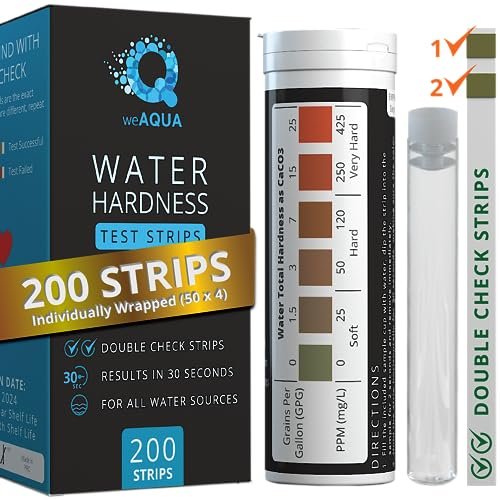
Your water softener’s hardness dial is a single number in gpg (grains per gallon) — get that number right, and the softener regenerates the right amount at the right time. Get it wrong, and you waste salt every cycle or you let hard water leak through. This guide covers how to measure your supply hardness, how to translate the reading into the setting your valve wants, and what the standard Fleck / Clack / GE menu paths look like.
Quick answer
Test your supply water with hardness test strips or a drop-titration kit. Read the gpg number (or convert ppm → gpg by dividing by 17.1). Enter that number into your valve’s hardness menu, rounded up by 1 gpg. For most municipal water, the answer is 7-12 gpg; for well water, 15-25 gpg.
Do this first
Measure, don’t guess
The single biggest mistake is using the valve’s default (typically 25 gpg) without testing your supply. If your municipal water is 10 gpg, setting the valve to 25 means you’re regenerating 2.5× more often than needed.
Test the cold supply line, not the hot
Test water from the tap closest to where the softener enters the house — usually the cold line at the kitchen sink. Hot-side water picks up sediment from the water heater and reads 1-3 gpg higher than cold.
Test twice, on different days
Municipal hardness shifts seasonally by 1-3 gpg as the supplier switches between reservoirs, rivers, and groundwater wells. Two tests, one week apart, give a representative average.
Skip the bypass valve during testing
If your softener has a bypass in place (many do during install), make sure it’s open before testing. Test water that’s actually flowing through the softener.
gpg → valve setting (translate test result to valve number)
The grains-per-gallon scale
Hardness in gpg is the universal valve language. 1 gpg = 17.1 mg/L calcium carbonate per liter. Most kits report in gpg or ppm — conversion is fixed (gpg = ppm ÷ 17.1). Use the gpg-ppm conversion chart when needed.
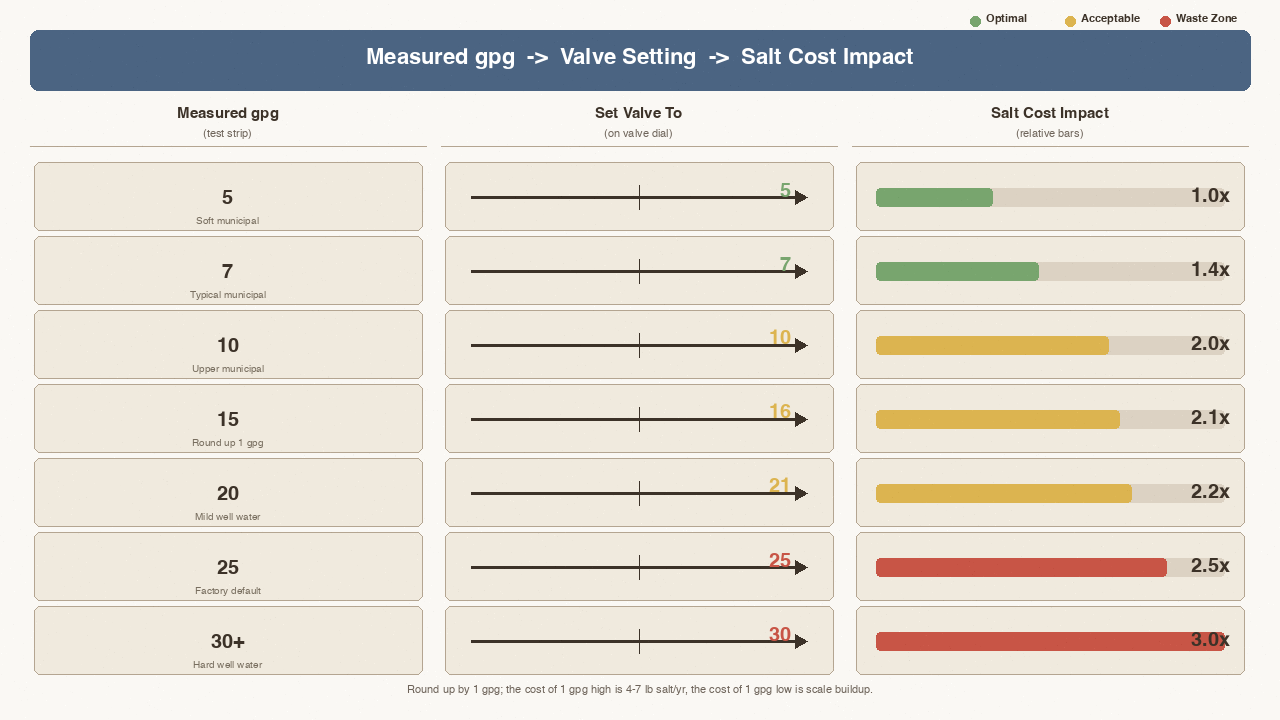
Settings table (measured → set value)
| Measured gpg | Set valve to | Salt cost impact |
|---|---|---|
| 5 | 5 | Baseline |
| 7 | 7 | Baseline +40% |
| 10 | 10 | Baseline +100% |
| 15 | 16 (round up 1) | +10% salt over 15 |
| 20 | 21 | +5% salt over 20 |
| 25 | 25 | +25% over 20 |
| 30+ | 30 | Well water upper bound |
The pattern: round up by 1 gpg rather than down. Salt cost of being 1 gpg high is roughly 4-7 lb per year; cost of being 1 gpg low is scale buildup that shortens water heater life.
Why your valve defaults to 25 gpg
Out-of-box defaults are calibrated for a high-end residential well. If your valve says 25 and you’ve never reprogrammed it, you’re likely wasting 30-60% of your salt budget.
How valves accept the setting (Fleck / Clack / GE)
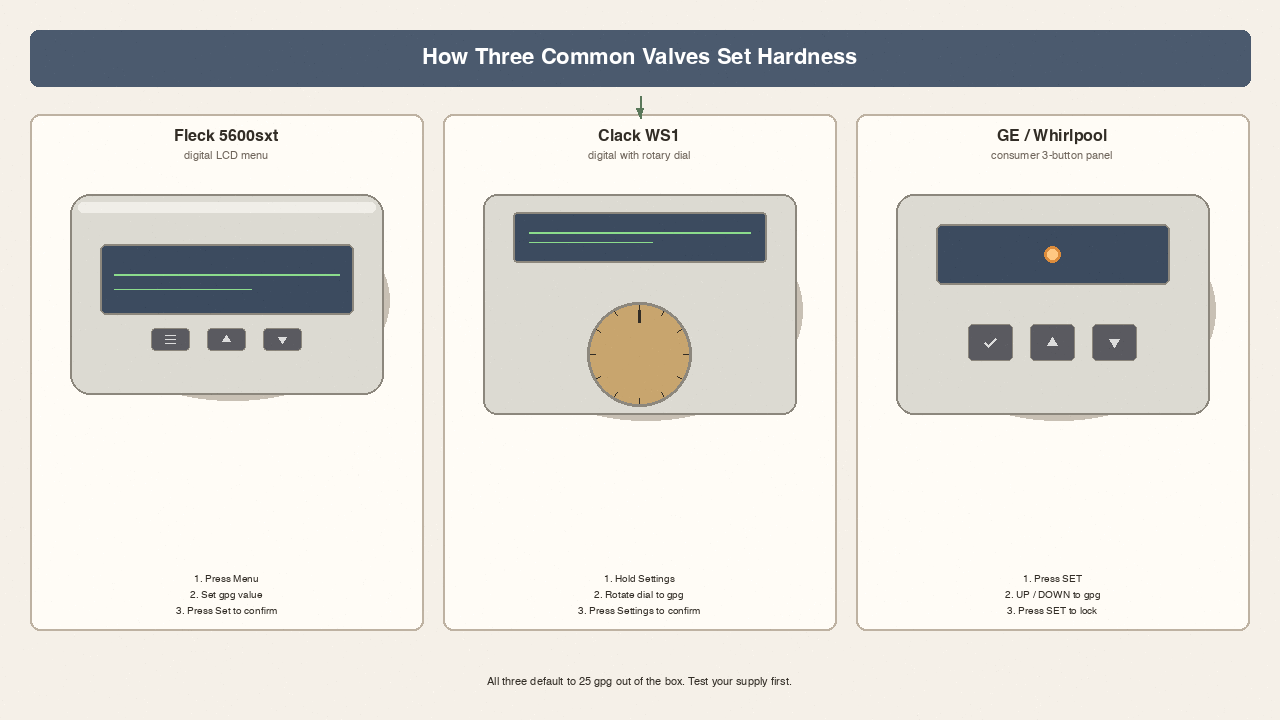
Fleck 5600sxt (digital LCD menu)
Press MENU until “Hardness” appears. Use UP / DOWN arrows to enter your gpg value. Press SET to confirm. Default is 25 gpg — change it after you test. The 5600sxt auto-locks after 60 seconds of inactivity. Full menu walkthrough in the Fleck 5600sxt settings sister guide.
Clack WS1 (digital with rotary dial)
Press and hold SETTINGS until the display reads “Hardness”. Rotate the dial to enter your gpg value, then press SETTINGS again. Clack defaults to 25 gpg.
GE / Whirlpool / Kenmore consumer valves (button-only)
Most consumer-grade valves use a 3-button panel (SET, UP, DOWN). Press SET until the hardness indicator flashes, then UP/DOWN to your gpg value, then SET to lock. These valves usually have a sticker inside the salt lid with the menu path.
Don’t enter “25” just because it’s the factory default
If you haven’t measured, the valve is doing whatever the last person set — usually the factory default, almost always higher than your actual hardness. Test, then set.
Overshooting and undershooting (what each mistake costs)
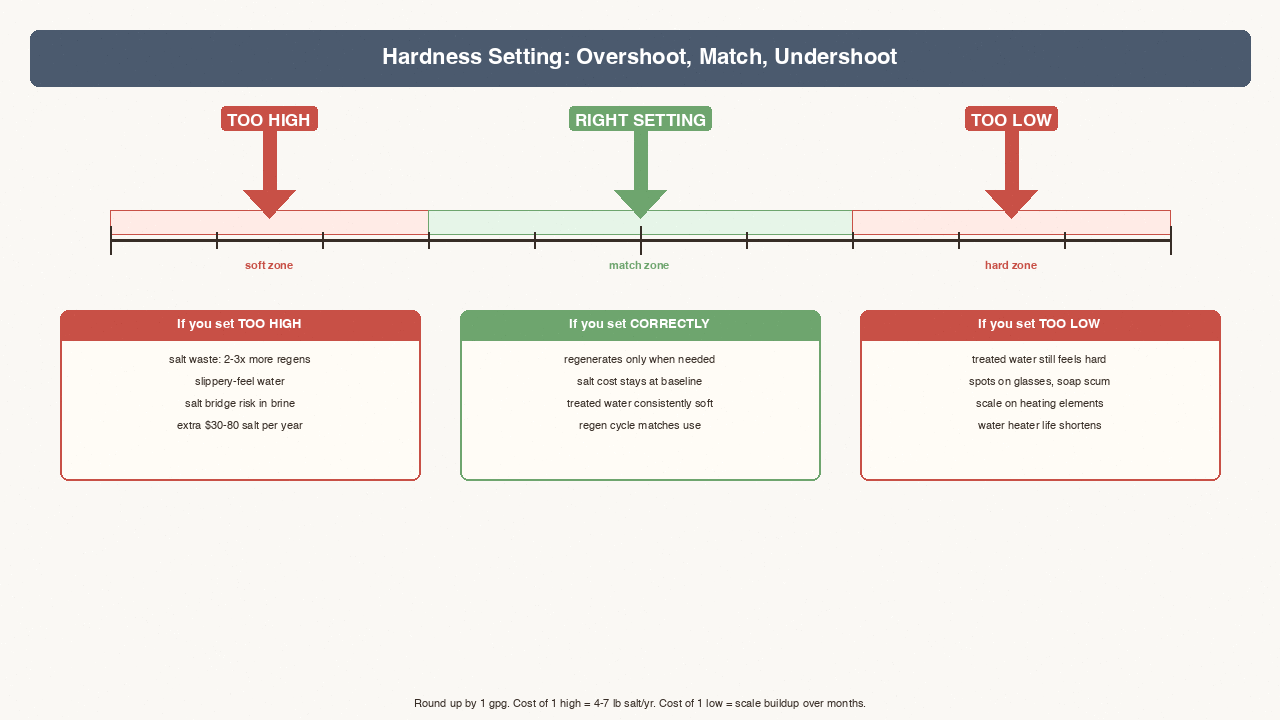
Overshooting (setting higher than actual hardness)
Setting 25 gpg when your supply is 10 gpg means the softener regenerates as if hardness is 2.5× higher than reality. Consequences: (1) salt waste — 2-3× more regens per month; (2) slippery-feel water — sodium level rises; (3) salt bridge risk. Salt costs add up to $30-80 per year.
Undershooting (setting lower than actual hardness)
Setting 5 gpg when your supply is 15 gpg means the softener treats water as if hardness is one-third of reality. Consequences: treated water still feels hard, resin beads wear out faster, and scale on heating elements shortens water heater life.
The break-even point
Setting 1 gpg too high costs roughly 4-7 lb salt per year. Setting 1 gpg too low costs nothing immediate but adds 6-12 months of scale buildup. Round up.
Regen frequency vs hardness tradeoff
Higher setting → more regens → more salt + water
Each regeneration cycle consumes 30-60 gallons of water and 6-12 lb salt depending on tank size. If your valve is set to 25 gpg and actual is 10 gpg, you’re regenerating 2.5× more often than necessary. If salt consumption looks higher than your expected rate, the hardness setting is the first place to check.
Lower setting → less regens → risk under-treated water
If you set the valve too low (say 5 gpg when actual is 15), the softener regenerates less often, but the resin exhausts before each cycle completes. Result: treated water shows higher hardness for the last 20-30% of each cycle.
Capacity mode vs Time mode
Some valves offer a “Time” mode (regen every N days regardless of usage) in addition to “Hardness” mode. Hardness mode is more salt-efficient because it only regens when needed.
Salt efficiency target
For municipal water at 7-12 gpg, expect salt use of 30-50 lb per month. Well water at 15-25 gpg usually runs 60-100 lb per month. If your salt use is significantly higher, test your hardness again.
Decision tree (5 branches)
Branch 1 — measured gpg < 7 (very soft municipal water)
Use VARIFY hardness test strips to verify — strips read down to 0 gpg.
Branch 2 — measured gpg 7-15 (typical municipal)
Set the valve to your measured number + 1 gpg. The standard VARIFY strip kit reads accurately in this range.
Branch 3 — measured gpg 15-25 (mild well water or hard municipal)
Set the valve to your measured number + 1 gpg. Use a drop-titration kit for accuracy because strip-kit error band (±2 gpg) compounds at higher readings. The Hach 5-EP drop kit reads accurately across the 15-25 range. For well-water households testing monthly, the WeAQUA DoubleCheck 200-strip pack covers 18+ months in one box.
Branch 4 — measured gpg > 25 (hard well water)
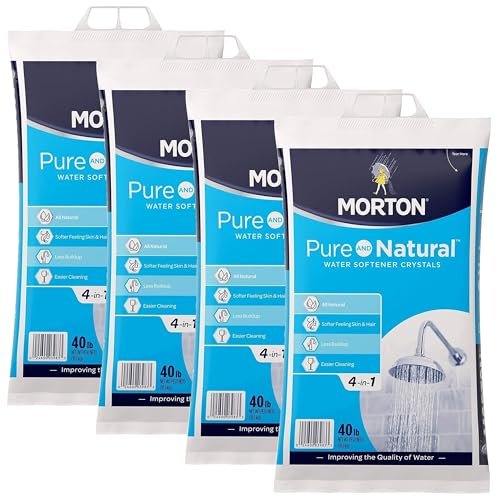
Set the valve to 25-30 gpg. Above 30 gpg, a single-tank softener may not be sized correctly. In limestone regions with 40-50 gpg supply, an upstream iron pre-filter or larger softener is the better answer. If your softener is crystal-rated rather than pellet-rated, the Morton Solar 4-in-1 crystals 4-pack is the matching bulk supply.
Branch 5 — ppm reading, no gpg (test kit or report doesn’t have grains per gallon)
If your kit or municipal report only gives ppm (mg/L), convert: gpg = ppm ÷ 17.1. Use the gpg-ppm conversion chart for the full table.
Pre-programming checklist
Have test result ready
Before opening the valve menu, write down your measured gpg on a piece of paper next to the valve. Most programming errors happen because the homeowner enters the value, gets distracted, and exits without saving.
Bypass closed
Make sure the bypass valve is closed (soft water flowing through the unit) before testing treated water post-programming. If open, the valve accepts the value but doesn’t run a regen.
Salt level adequate
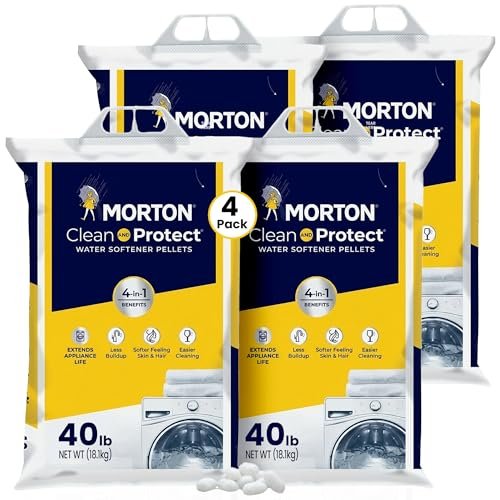
If your brine tank is below 1/3 full, top off with Morton pellets before programming. For 6-month supply, the Morton 40 lb 4-pack is the bulk option. A valve set correctly with an empty brine tank regenerates with no salt.
Sediment pre-filter clean
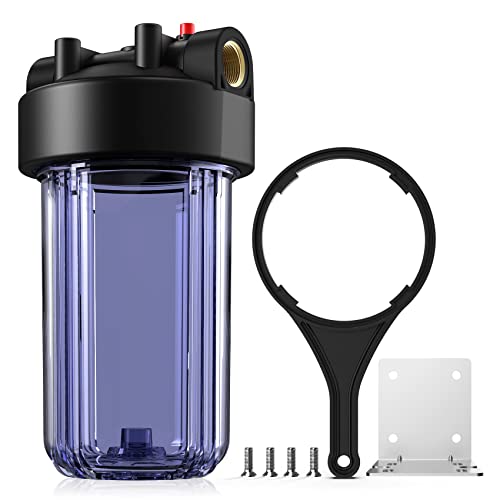
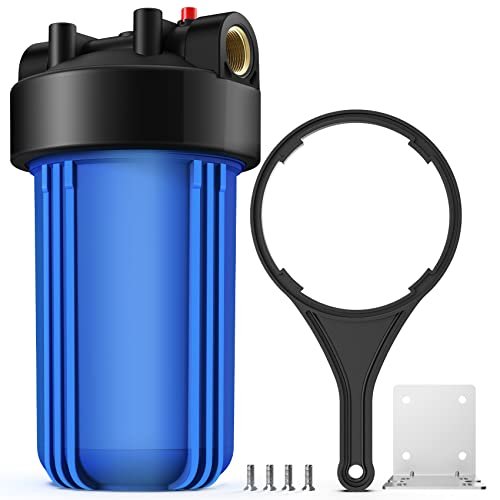
If you have an upstream sediment filter, check it before programming. A clogged pre-filter starves the softener of flow. The SimPure DB10P housing is the standard sediment pre-filter option.
TDS meter ready for verification
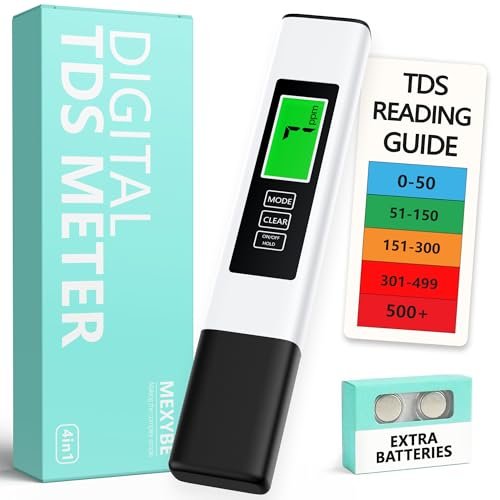
After programming, run a TDS meter on treated water. ppm should drop by 70-90% from the raw supply reading.
What you might need (AFTER programming)
Test kit for re-verification
You already used one to set the valve. Buy a multi-pack strip refill so you can re-test in 6-12 months without re-buying the box.
Salt for the brine tank
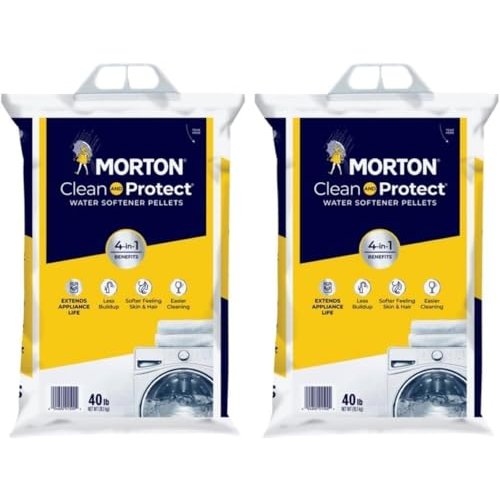
The new setting changes regen frequency. Going from 25 → 15 gpg cuts salt use by 30-40%. With Morton Clean and Protect pellets, one 40-lb bag lasts 3-4 weeks.
Pre-filter housing if sediment is an issue
If your supply has visible sediment or you’re on well water, a SimPure clear housing prevents grit from clogging the valve.
TDS meter for ppm-to-gpg conversion
If your municipal report only publishes ppm, a $9 TDS meter lets you verify the valve is actually softening (treated-water ppm should drop 70-90% from raw supply).
Common mistakes (5)
- Programming with the bypass open — The valve accepts the new setting but doesn’t run the regeneration. Test treated water post-programming with a TDS meter.
- Using the factory default instead of testing — The factory default of 25 gpg is calibrated for high-end well water. If your supply is municipal (7-12 gpg) or shallow well (10-15 gpg), you don’t need anywhere near 25.
- Setting in ppm instead of gpg — The valve wants gpg. Divide by 17.1 to convert. Setting ppm directly produces wildly over-treated water (17× salt waste).
- Setting once and never re-checking — Municipal water hardness shifts seasonally (reservoir vs river source). Re-test every 12 months.
- Forgetting to save — Fleck and Clack valves auto-lock after 60 seconds of inactivity. If you pause mid-programming, your setting may revert.
When to call a pro
Valve won’t accept any setting
If the LCD is blank, buttons don’t respond, or the menu is locked, the control board has failed. Don’t keep pressing buttons — that’s how you brick a Fleck or Clack valve into a state that needs factory reset. Call a softener service tech with the model number from the valve body.
Setting changes don’t change water softness
If you program 12 gpg, then test treated water and it still reads 15+ gpg, the issue isn’t your setting. It’s the valve itself (stuck in bypass, failed seal, exhausted resin). Service tech needed.
Tank size undersized
If your salt use is reasonable but hardness still leaks through at peak demand, the tank is too small for household usage. The setting can’t fix undersized resin capacity — you need a larger tank or twin-tank system.
Safety notes
Power off before opening the valve head
Most control valves have electronics under the top cover. Power off at the breaker before opening. Don’t open a wet valve head — water on the circuit board kills the controller.
Bypass before any plumbing work
If you’re replacing the valve head, switching salt tanks, or doing any work that involves breaking the water line, close the bypass valve to isolate the softener from house pressure.
Never store salt near the water heater
Salt is mildly hygroscopic. A leaking water heater near a salt bag dissolves the bag and ruins the salt. Keep salt storage at least 3 feet from any water heater or hot appliance.
Check salt level before programming
If the brine tank is below 1/3 full when you set a higher number, the valve will try to regenerate without enough salt — producing treated water that’s actually harder than unsoftened supply.
Related
- Fleck 5600sxt settings walkthrough — full menu path for the most-installed residential valve
- Hardness test kits — pre-step measurement guide
- Hard water gpg-ppm conversion chart — unit translation reference
- Water softener brine tank problems — salt bridging, mushing, and salt level
- How water softeners work — ion exchange and regen cycle framework
- Water softener salt types — pellets vs crystals vs blocks
- Water softener not using salt — when salt use is higher than baseline
- Water softener not regenerating — when regen cycle never fires
Key takeaways
- Test your supply first. Don’t trust the 25 gpg factory default.
- Round up by 1 gpg after measuring. The cost of being high is salt; the cost of being low is scale.
- Test cold supply line, not hot. Hot-side readings are 1-3 gpg higher due to water heater sediment.
- Use gpg, not ppm. Convert ppm → gpg by dividing by 17.1.
- Test the treated output with a TDS meter after programming. ppm should drop 70-90%.
- Re-test every 12 months. Municipal hardness shifts seasonally.
- If setting changes don’t soften water, the valve is the problem — not the setting.